Please note that a lot of the Starters are out of date and given constraints in bandwidth and other priorities, we've decided to sunset all Starters and only actively maintain a single Next.js Starter. At the moment the some of the information in this article will not work as we work on updating the new Next.js Starter. We appreciate your patience and can't wait for you to try the new starter.
For quite some time, Strapi has been releasing tools to make it easier to get started with building with Strapi. Starters and templates have been a big part of bridging that usability gap. This article looks at Strapi Starters, what they are, and how they are making building with Strapi and on top of Strapi easier.
What are Strapi Starters
The idea of Strapi Starters came from two observations. First off, Strapi users, for the most part, build for similar use cases, i.e., blogs, corporate websites, eCommerce apps, job boards, etc. Secondly, even though content modeling is a big part of Strapi, few people want to dive into doing it with nothing to start from for every project that they create.
This is where Strapi Starters come in. They are pre-made frontend applications linked to a template with configured content types, components, dynamic zones, or plugins. The goal was to make it easier for anyone to get started with Strapi, and starters aim to do just that. If video content works better for you, we've got you covered too :)
How do Strapi Starters work
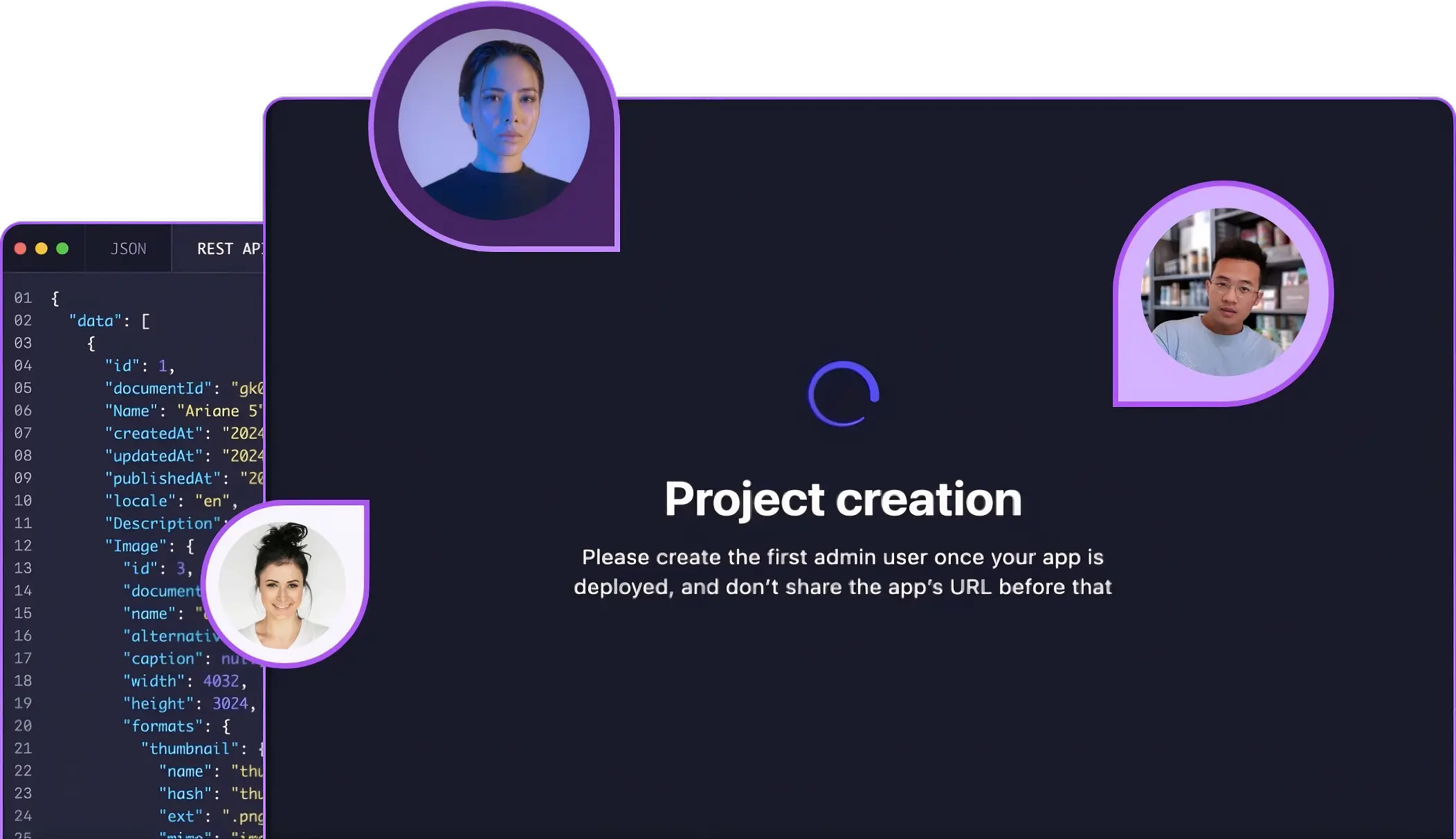
Going a step higher from what Strapi Starters are, it's also essential to understand how they work. Strapi templates are used to create various starters. A Strapi template is a pre-made Strapi configuration designed for a specific use case. It allows you to bootstrap a custom Strapi app. Here is an illustration to cement the concept.

Starters pull data from the backend generated from a template and then display that in a frontend of your choice. If you'd like to look at our current list of starters, the Strapi Starters page is an excellent place to start.
How can you use Strapi Starters
The easiest way to get started with Strapi is to use our recently released Starter CLI. Usually, when you start a new Strapi project, we go with this command npx create-strapi-app my-project --quickstart, which sets up a blank Strapi application with no frontend. With the new Starter CLI, given that you know what you want to build is a blog with Gatsby, then all you have to do is type in the following command npx create-strapi-starter my-project gatsby-blog. This will set up a Strapi backend with collection types to suit the blog use case and relevant content. Besides the Strapi backend, the Starter CLI will also set up a Gatsby frontend. This Gatsby app will be able to make requests to your Strapi backend and fetch data to be displayed on its pages. You can then go ahead and tweak the backend and/or frontend to your liking and get your desired app to production much faster.
How can you create your own Strapi Starters
For a long time, the only Starters you could use were those made by Strapi. This is no longer the case, as the template creation process has been made easier with the new template generation functionality of the Strapi CLI. This creation process is explained in detail in the Strapi Documentation on templates.
To help you out, we put out a video on how to do that. It's well worth the watch. 😉
Once you've got the template generated, push it to GitHub, and then you can then start making a starter out of that template. User-created starters need two things to work; a starters folder with your frontend application (something like this) and a starter.json that references a Strapi template, either user-made or an official Strapi one. Your starter.json file should look like this.
{
 "template": "https://github.com/<your-username>/<your-template-repo-name>"
}
What's next for Strapi Starters
What's next? That's up to you! For starters (pun intended), we'd love to hear some feedback on the developer experience of creating and using Starters. We'd also love to see what Starters you make. When you do get to making these Starters, we'd love to share them with the Strapi community; if you'd like that, please add them to the Starters page. That said, we'll be adding more features to make the creation and use of Starters easier. We'll also be adding more use cases to our Starters and equipping Starters with the latest and greatest of Strapi features. Look out for all that :D
Please note: Since we published this blog post, we released new versions of Strapi, and guides are outdated. Sorry for the inconvenience if it's the case. Please help us by reporting it here. Other places to interact with the Strapi community are:
Till next time, ciao!